My Real-World Dive into Eventbrite: Is It the Ultimate Event Management Tool?
Hey everyone! If you’re anything like me, you’ve probably either attended an event or even tried to put one together yourself. And if you’ve dipped your toes into that world, chances are you’ve bumped into Eventbrite. For years, it’s been one of those names that just pops up whenever someone talks about tickets or event registration. But what’s it *really* like to use? Is it the magic bullet for event organizers, or just another platform in a crowded space?
I’ve got some thoughts. A lot of them, actually. I’ve used Eventbrite extensively, both as an attendee scouring for cool local happenings and, more recently, as an organizer for a couple of passion projects and a small community workshop. So, I figured it was high time I shared my firsthand experience, complete with the highs, the lows, and everything in between.
### My Journey: From Curious Attendee to Accidental Organizer
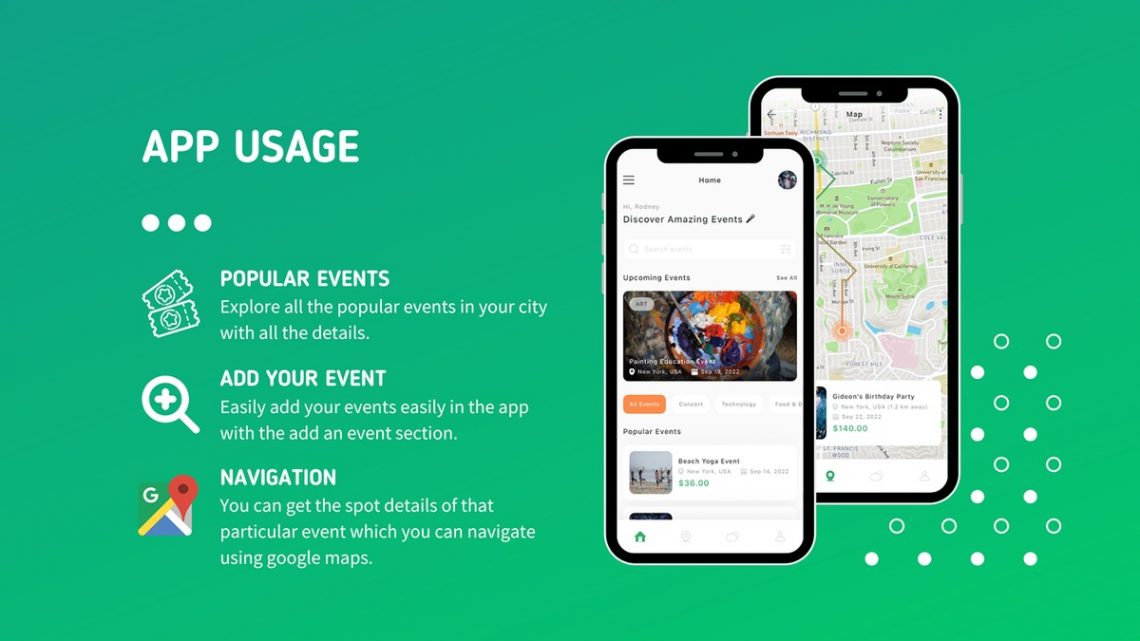
My first real interaction with Eventbrite was purely as an attendee. I was living in Austin, a city absolutely bursting with events, from indie music shows to tech meetups and food festivals. Friends would send me links, and nine times out of ten, that link led to an Eventbrite page. I loved how straightforward it was to find events – just a quick search for “Austin events this weekend” and boom, a whole list would appear. Clicking through, buying a ticket, and getting it sent straight to my email or the app felt seamless. No fuss, no confusing steps, just a smooth path to enjoying whatever was happening.
Then came the pivot. A few years ago, I decided to host a series of creative writing workshops for local aspiring authors. I’d initially thought about just using a Google Form and Venmo, but as soon as I started picturing the inevitable mess of tracking payments, sending confirmations, and managing attendee lists, I knew I needed something more robust. That’s when Eventbrite really stepped up for me.
I remembered how easy it was to *buy* tickets, so I thought, “How hard can it be to *sell* them?” Spoiler: It wasn’t nearly as intimidating as I expected.
### Setting Up Shop: My Organizer Experience
Diving into the organizer side of Eventbrite was, for me, surprisingly intuitive. The first thing I noticed was the clean layout. When you log in and go to “Create Event,” it feels like you’re being guided through a wizard, not thrown into the deep end of complex software.
#### Crafting the Event Page
I started by filling out the basics: event title, date, time, and location. For my writing workshop, I wanted the page to reflect the creative vibe, and Eventbrite let me upload a nice header image and add a detailed description. I could format the text, add bullet points, and generally make it look appealing. It felt like building a simple webpage without needing any coding skills – a massive plus for someone like me who just wants to focus on the event itself, not the tech behind it.
I also appreciated the ability to add different ticket types. For my workshop, I had an “Early Bird” rate, a standard “General Admission,” and a “Buddy Pass” for two attendees at a slight discount. Setting these up was a breeze, including managing capacity for each ticket type, setting sales dates, and even adding discount codes for specific groups I wanted to invite.
Visit Official eventbrite Website Now
#### Promotion and Visibility
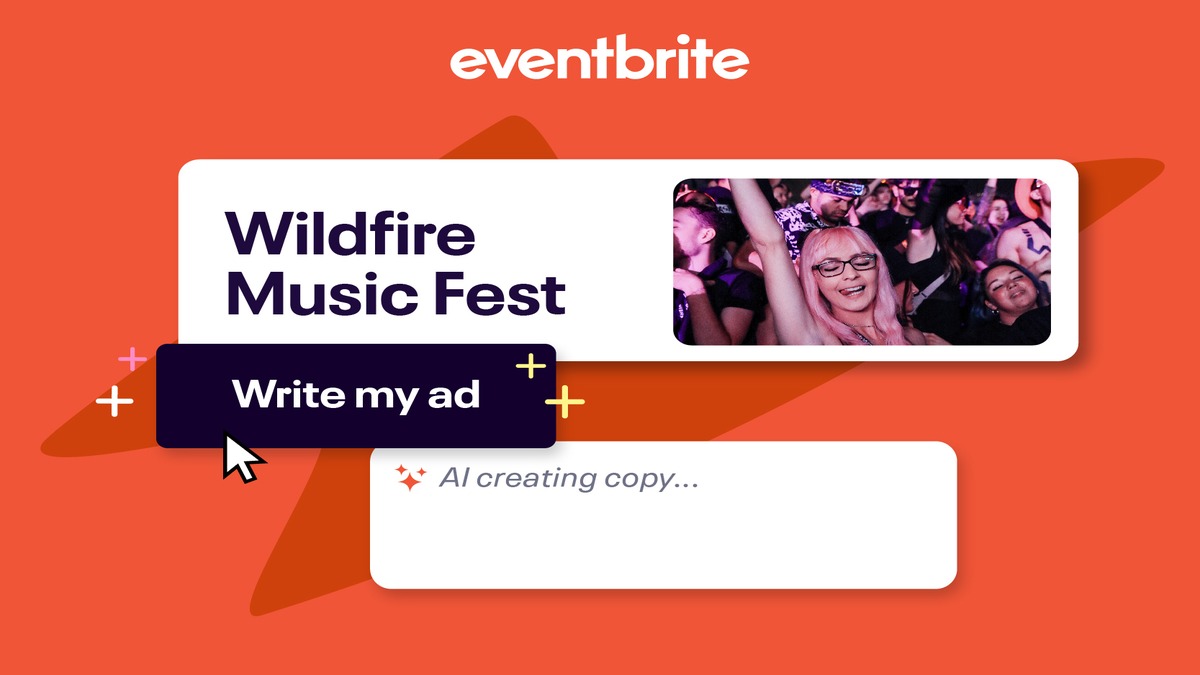
Once my event was live, the next hurdle was getting people to actually *see* it. Eventbrite does a pretty good job here. It automatically lists your event on its platform, which is a huge advantage because so many people, like my past self, are already browsing there. I also found the integration with social media platforms incredibly useful. With a few clicks, I could share my event link directly to Facebook, Twitter, and even LinkedIn.
They also offer email marketing tools, which I used to send updates and reminders to registered attendees. It wasn’t the most advanced email platform I’ve ever seen, but for a small event, it did exactly what I needed: kept everyone informed without me having to manage separate mailing lists.
#### Managing Attendees on Event Day
This is where Eventbrite really shines for me as an organizer. They have a dedicated app for event organizers, Eventbrite Organizer, which turns your phone into a powerful check-in tool. On the day of my first workshop, I just opened the app, and it had a complete list of attendees. As people arrived, I simply scanned their digital tickets (or manually checked them off if they preferred). It was incredibly efficient and eliminated any guesswork about who had paid and who hadn’t. No paper lists, no confusion – just smooth sailing.
After the event, the analytics dashboard gave me a clear overview of ticket sales, attendance rates, and even where my attendees were coming from. This data was invaluable for planning my next workshop, helping me understand what worked and what I could improve.

### The Attendee Experience: Still Smooth Sailing
From an attendee’s perspective, Eventbrite continues to be a go-to. I recently used it to grab tickets for a local food festival and a stand-up comedy night. The experience was identical to what I remembered: fast search, clear event details, and a quick purchase process. The digital ticket usually lives right in the Eventbrite app, making it super easy to pull up at the entrance without fumbling through emails.
I’ve also noticed their recommendation engine has gotten pretty smart. After attending a few specific types of events, I started seeing suggestions for similar ones pop up in my feed or email newsletters. It’s a nice touch that genuinely helps me discover new things happening around me.
One user, Jessica L., an event enthusiast from Denver, told me, “Finding unique local events has become a hobby thanks to Eventbrite. Their recommendation engine has introduced me to so many cool things I wouldn’t have found otherwise. It’s my first stop when I’m looking for something to do on the weekend.” I totally get where she’s coming from!
### What I Absolutely Love About Eventbrite
1. **User-Friendly Interface**: This is probably its biggest strength. Whether you’re setting up an event or buying a ticket, the platform is remarkably easy to navigate. You don’t need a tech degree to use it effectively.
2. **Versatility**: I’ve seen everything from massive music festivals to tiny yoga classes listed on Eventbrite. It scales well, accommodating a huge range of event types and sizes.
3. **Built-in Marketing & Discovery**: Being listed on their platform automatically gives your event a boost in visibility. Plus, the social media integrations and email tools are incredibly helpful for getting the word out.
4. **Excellent Mobile Experience**: Both the attendee and organizer apps are fantastic. Being able to manage tickets or check people in on the go is a game-changer.
5. **Reliable Payment Processing**: I’ve never had an issue with payments, either buying or receiving them. Payouts for organizers are usually prompt and straightforward once the event concludes.
6. **Detailed Analytics**: The reports you get after your event are surprisingly comprehensive, giving you insights into ticket sales, attendee demographics, and even traffic sources.
Sarah P., a community organizer in Seattle, shared her thoughts: “I’ve been using Eventbrite for years for my monthly book club meetings. It just makes RSVP tracking so simple, and I love how easy it is to share the link. It takes so much stress out of planning.” That really resonates with my own experience.
Visit Official eventbrite Website Now
### Where Eventbrite Could Still Grow (The “Could Be Better” List)
No platform is perfect, and Eventbrite has a few areas where I think it could improve.
1. **The Fees**: This is probably the most common complaint you’ll hear. Eventbrite charges fees on paid tickets, which can either be passed on to the attendee or absorbed by the organizer. While competitive with other platforms, these fees can add up, especially for smaller events with tight margins. For my workshops, I factored them into my ticket price, but it’s always something to consider. Michael T., an independent artist from Brooklyn, mentioned, “My only gripe is the fees. They can add up, especially for smaller events where every dollar counts. Wish there was more flexibility there.” It’s a fair point.
2. **Customer Support for Organizers**: While I haven’t had major issues that required extensive support, when I did have a small question about a specific report, getting a quick, personalized response sometimes felt a little slow. It wasn’t bad, but it wasn’t instant either.
3. **Customization Limitations**: For highly branded events, some organizers might find the design options a bit restrictive. While you can upload images and customize text, deeper CSS control or more unique page layouts aren’t really an option. It’s designed for ease of use, which sometimes means sacrificing ultimate creative freedom.
4. **Competition on the Platform**: While being listed on Eventbrite is great for visibility, it also means your event is listed alongside thousands of others. For a smaller, niche event, it can sometimes feel like a tiny fish in a very large pond, making it harder to stand out without additional external promotion.
### Who Is Eventbrite Best For?
Based on my time with it, I’d say Eventbrite is a fantastic choice for:
* **Small to Mid-Sized Businesses**: Looking to host workshops, seminars, product launches, or networking events without the overhead of building their own ticketing system.
* **Individual Creators/Artists**: Musicians, artists, instructors, or coaches who want to sell tickets for performances, classes, or private sessions.
* **Non-Profits and Community Groups**: Excellent for managing registrations for fundraisers, charity walks, volunteer drives, or community meetings. The free event option is a lifesaver here.
* **Anyone Hosting Free Events**: If you just need a robust RSVP system, Eventbrite’s free event option is powerful and handles all the heavy lifting of registration and communication without costing you a dime.
* **People who value ease of use**: If you’re not tech-savvy or just want to get your event up and running quickly without a steep learning curve, Eventbrite is your friend.
Alex R., a non-profit director in San Diego, shared how it helped their organization: “For our annual charity run, Eventbrite handled thousands of registrations flawlessly. The check-in app on race day was a lifesaver. It made a huge difference in how smoothly everything ran.” This highlights its scalability for larger efforts too.
### My Top Tips for Getting the Most Out of Eventbrite
If you’re thinking about using Eventbrite for your next event, here are a few things I’ve picked up along the way:
1. **Create a Killer Event Description**: Don’t just list the facts. Tell a story! Hook potential attendees with compelling language, highlight the benefits, and make them excited to be there. Use bullet points and clear paragraphs to make it scannable.
2. **Visuals Matter**: Invest in a great header image and maybe a few other supporting images or even a video. A visually appealing event page stands out instantly.
3. **Leverage Those Ticket Types**: Don’t just offer one ticket. Think about early bird discounts, VIP options, group rates, or even donation-based tickets. This can significantly boost sales and appeal to different segments of your audience.
4. **Use the Promotional Tools**: Don’t just create your event and hope for the best. Actively share it on social media, use the email tools to reach your network, and consider any paid promotion Eventbrite offers if your budget allows.
5. **Understand the Fees**: Before setting your ticket price, be absolutely clear on how Eventbrite’s fees work and whether you’ll absorb them or pass them on to your attendees. Price accordingly.
6. **Don’t Forget the Organizer App**: Download the Eventbrite Organizer app well before your event day and familiarize yourself with it. It will make check-in a breeze.
### Final Thoughts: Is Eventbrite Worth It?
After all my personal use, both as an attendee and an organizer, my answer is a resounding **yes**. Eventbrite has consistently proven itself to be a reliable, user-friendly, and effective platform for managing events of various scales. While the fees are something to consider for paid events, the value it provides in terms of visibility, ease of use, and robust event management tools often outweighs that cost.
For anyone looking to organize an event, big or small, free or paid, Eventbrite offers a powerful solution that streamlines much of the headache typically associated with event planning. It lets you focus more on creating a great experience for your attendees and less on the technical logistics.
Visit Official eventbrite Website Now
So, if you’ve got an idea for an event brewing, or you’re tired of managing RSVPs with spreadsheets and prayers, I’d highly recommend giving Eventbrite a serious look. It might just be the tool you need to turn your event vision into a smooth, successful reality. What are you waiting for? Go create something awesome!
Visit Official eventbrite Website Now


You May Also Like
Unlocking Better Wellness: My Deep Dive into Invite Health Supplements

My Deep Dive into Abask: Quality, Value, and Why It’s My Go-To for Home & Garage Upgrades